
“`html
How to Optimize Lighting for Productivity
In today’s fast-paced world, optimizing every aspect of our work environment is crucial for maintaining productivity—and lighting plays a pivotal role in this. From harnessing natural light to selecting the right light sources and understanding their effects, optimizing lighting involves various factors. This article explores practical strategies to improve productivity through effective lighting choices. We delve into aspects like natural light exposure, light positioning, color temperature, and their combined impact on health and efficiency. This comprehensive guide provides actionable insights to transform your workspace into a more productive zone.
Consider Natural Light
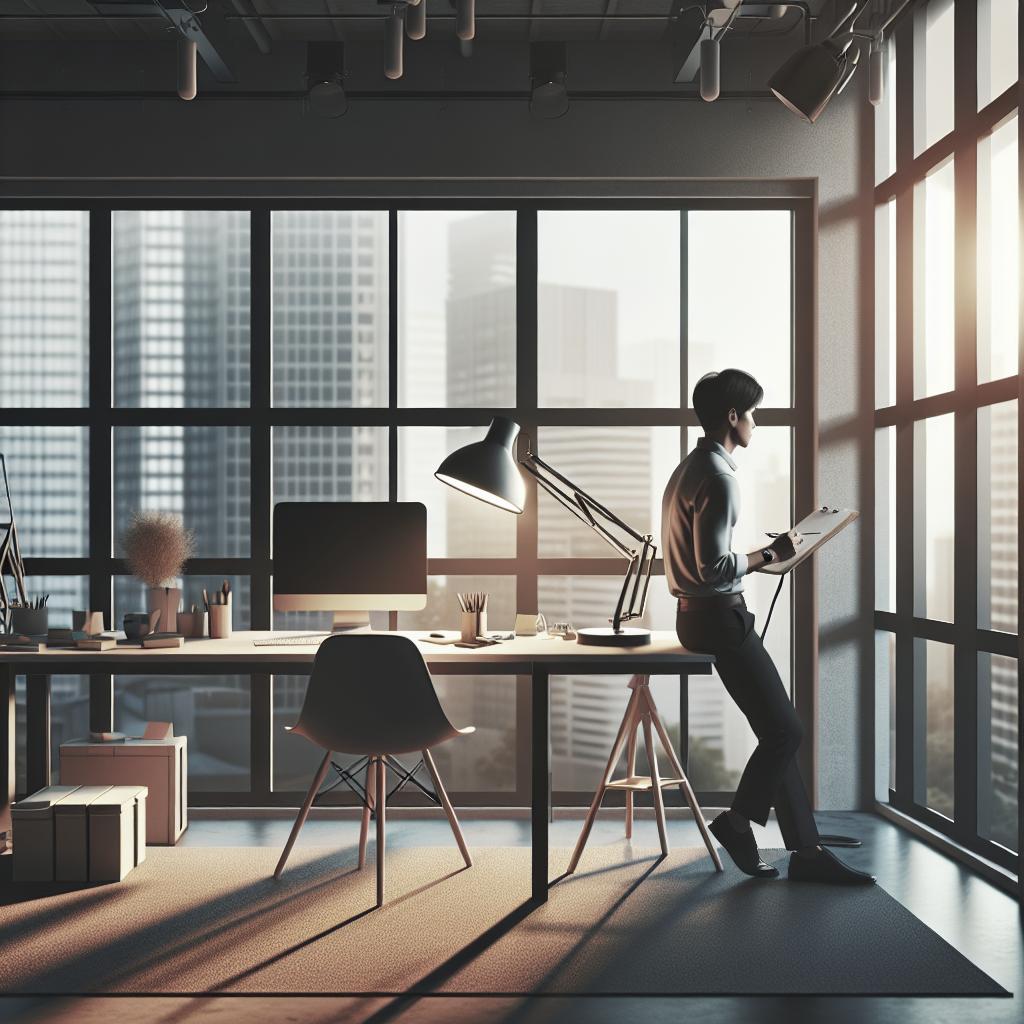
Harnessing natural light in your workspace can significantly boost your productivity. Sunlight has been proven to enhance mood, reduce stress, and improve overall wellbeing. By positioning your workspace near windows or open spaces, you can maximize the amount of natural light you receive throughout the day.
When arranging your workspace, think about how natural light moves across your room during the day. This will help you make necessary adjustments, such as placing reflective surfaces to spread light more evenly. Natural light not only illuminates your workspace but also minimizes the need for artificial lighting, reducing energy consumption.
Additionally, if direct sunlight causes glare on computer screens, consider using sheer curtains or blinds. These can diffuse the sunlight, maintaining a pleasant ambiance without reducing lighting levels drastically. Strive to maintain a balance between sufficient natural light exposure and a glare-free working environment for optimal productivity.
Select an Appropriate Number of Light Sources
Depending on the size and layout of your workspace, having multiple light sources can create a more evenly lit and energy-efficient environment. A mix of ambient, task, and accent lighting can cater to different needs throughout the day. Ambient lighting provides overall illumination, whereas task lighting caters to focused activities like reading or writing.
Assess the specific lighting requirements by considering the scale of your tasks and the areas that need illumination. Too few light sources can create shadows and strain your eyes, while too many can cause discomfort and inefficiency. A good balance ensures you have adequate light for all your work without overwhelming the space.
Different tasks and times of the day might require varying levels of brightness. Adjustable light fixtures can offer flexibility, letting you dim or intensify the lighting based on your needs. Such adaptability is crucial for accommodating personal preferences and changing light conditions throughout the day.
Select the Right Light Source Position
The placement of your light sources impacts how effectively your workspace is illuminated. Ideally, lighting should minimize shadows and glare that can lead to eye strain. For instance, if you use a desk lamp, it should be positioned opposite your dominant hand to avoid casting shadows on your work area.
Overhead lighting should be strategically placed to distribute light evenly across the room. Avoid placing lights directly above your head, as this can create harsh shadows on your workspace and potentially contribute to headaches or eye strain. Instead, aim for balanced lighting positioned at different angles.
Consider using adjustable lighting options that can be repositioned as needed. This flexibility allows you to tailor the lighting to specific tasks, ultimately enhancing both comfort and productivity. Experiment with different arrangements until you find the optimal layout for your workspace.
Get the Right Distance Between You and the Light Source
The distance between you and your light source can greatly influence the quality of light you experience. Too close, and the light might be overly intense; too far, and it might not provide sufficient illumination. Ideally, the light source should illuminate your workspace uniformly without causing strain on your eyes.
Understanding the recommended distances will vary depending on the type of lighting used. For example, desk lamps are typically best at a distance of about 15 to 36 inches from your work surface. Evaluate the type of light bulb, as LED and halogen lights have different intensities and may require different distances for optimal use.
Adjusting the height and angle of your light source is also crucial. A well-placed light can enhance readability and reduce the need to constantly adjust your posture, which in turn promotes better productivity and comfort. Test and adjust until you find the best setup for your needs.
Consider the Health Effects to Go with Optimizing Your Work Efficiency
Lighting does not only impact the visual aspect of your work but also affects your physical health and mental wellbeing. Proper lighting can reduce eye strain, headaches, and fatigue, allowing you to maintain high productivity levels without compromising health.
Poor lighting conditions can lead to a range of health issues, from eye discomfort to reduced concentration and disrupted sleep patterns. To promote a healthier workspace, ensure that your lighting setup provides consistent, flicker-free illumination that supports visual effort without causing strain.
Incorporating breaks to relax your eyes and adjusting to natural light variability throughout the day can further mitigate potential health risks. Taking care of your lighting environment is a proactive step towards sustaining long-term productivity and overall wellbeing.
Optimize Your Work Efficiency with the Right Color Temperature
Selecting the right color temperature for your lighting is crucial for enhancing productivity. Color temperature, measured in Kelvin (K), influences how warm or cool the light appears. Warmer tones (around 2700K-3000K) create a cozy atmosphere, while cooler tones (4000K-6500K) resemble daylight and are ideal for task-oriented work.
For optimal work efficiency, consider using a combination of warm and cool lights, with cooler lights being more suitable during work hours as they enhance alertness and concentration. Reserve warmer-toned lighting for evening hours to help your body wind down and prepare for rest.
Modern smart lighting systems allow for dynamic adjustment of color temperatures suited to different times of the day. Investing in these systems can significantly enhance your ability to maintain a productive and harmonious work environment tailored to your personal schedule and preferences.
Summary of Main Points
| Optimization Strategy | Key Points |
|---|---|
| Consider Natural Light | Maximize sunlight exposure, balance with glare reduction |
| Select an Appropriate Number of Light Sources | Mix lighting types, ensure balanced illumination |
| Select the Right Light Source Position | Minimize shadows and glare, use adjustable options |
| Get the Right Distance Between You and the Light Source | Ensure uniform light coverage without strain |
| Consider the Health Effects | Reduce eye strain, support wellbeing with consistent lighting |
| Optimize Work Efficiency with the Right Color Temperature | Use cooler tones for productivity, warmer tones for relaxation |
“`